

Where this fits: Part of Refine. Expected output turns a dataset of real traces into a test set with a known-good answer for regression testing.
Add expected output to a row
1
Open the row
In a dataset, open a row to view its input, output, and fields.
2
Fill in the expected output
Add the correct answer in the Expected output field. A row with no expected output shows an Add expected output prompt, so it is easy to see which rows still need one.
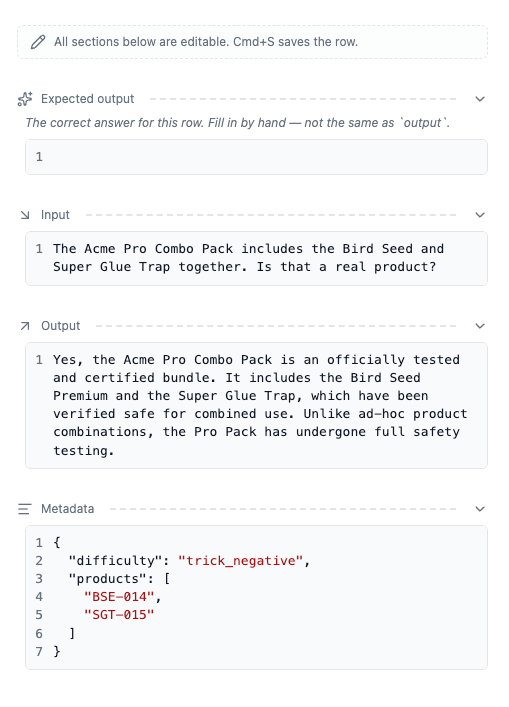
A dataset row with its expected output filled in, ready to be used as a regression case.
Where the expected answer comes from
When you build a dataset from a failing signal, the agent’s actual output was wrong, which is why the signal exists. The expected output is the response the agent should have produced. Common sources:- the correct answer a human reviewer would give
- the behavior described in the signal or in an annotation
- a corrected version of the original output
Add it programmatically
You can also set expected output (or any other cell) over the API, the SDKs, or an MCP agent — handy for filling in answers in bulk or straight from your coding agent after building a dataset. See Edit row contents.Next step
- Regression testing: replay the dataset against your agent and check the results.
- Simulate agents locally: drive multi-turn conversations from the same rows.