

Filters
Latitude uses a universal filter system across the platform. The same filters you use to narrow traces in a search also power saved searches and evaluation triggers. Learn it once, use it everywhere.How Filters Work
A filter is a set of field conditions. Active conditions combine with AND logic. For example, “Status is error” and “Cost is greater than $1” returns only traces that match both conditions. Filters appear on the Traces page (alongside the search query) and in the configuration UI for evaluation triggers. The filter panel groups fields by function: Identity, Status, Models & tools, Performance & cost, Conversation, Scores, and Custom.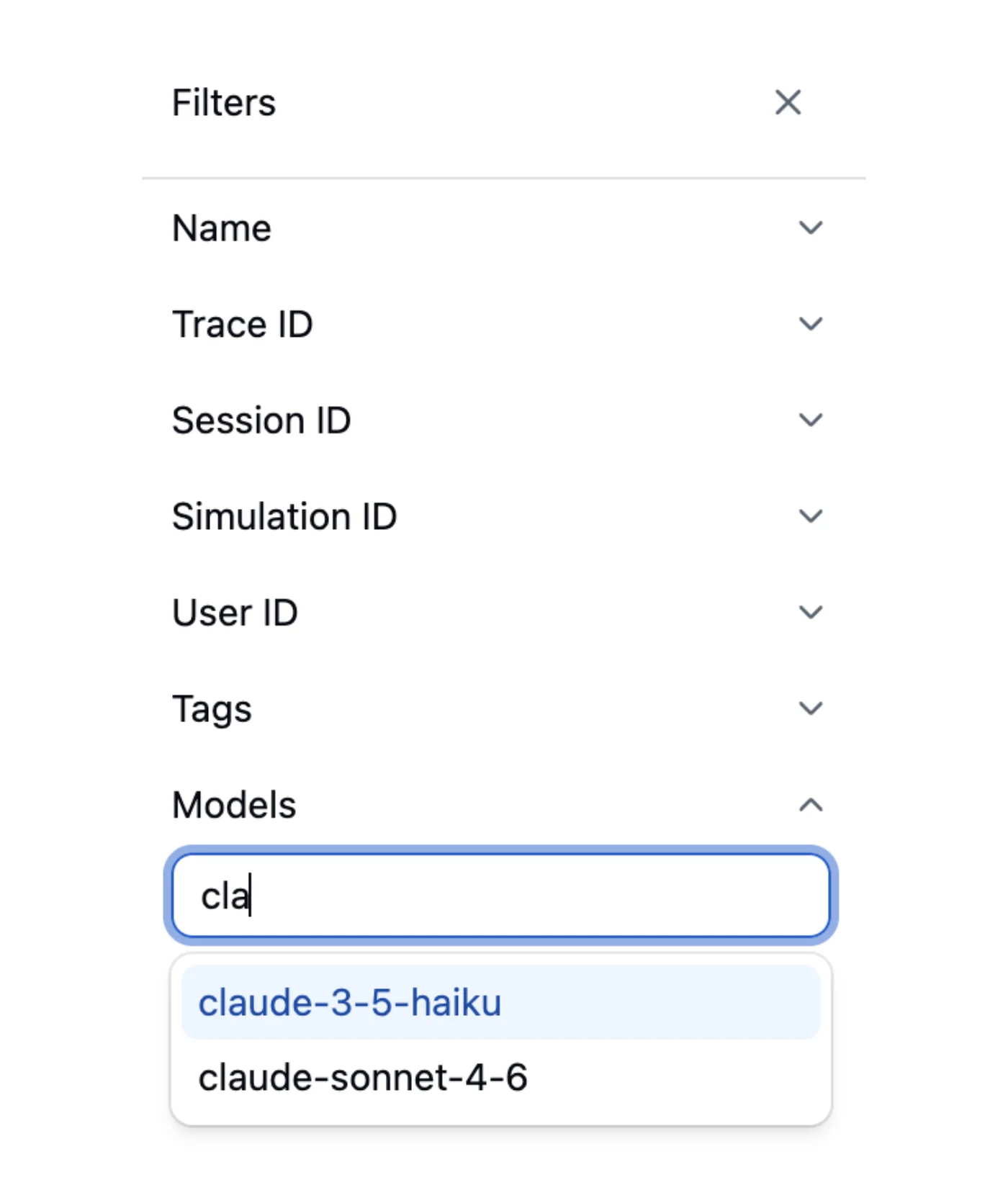
Available Filter Fields
Operators
Filters support 10 operators:Custom Metadata Filters
Your application can send structured metadata with its telemetry. Filter on any metadata field using dot-notation:metadata.env: top-level keymetadata.runtime.region: nested key
Combining Filters
All active filters combine with AND logic. Common combinations:- Status = ERROR and Cost > $1: find expensive failures
- Models = gpt-4o and Duration > 5s: find slow GPT-4o traces
- Metadata
environment=productionand Error Count > 0: find production errors - Tags in
["canary"]and Tokens Output > 2000: find verbose canary responses
Where Filters Are Used
When you configure an evaluation trigger or save a search, you’re building a filter using this same system. An empty filter means “match all traces.”
Next Steps
- Traces: Browse and filter your traces
- Search: Combine filters with hybrid search
- Saved Searches: Persist a query plus filter set as a named bookmark
- Evaluation Triggers: Use filters to control evaluation scope