> ## Documentation Index
> Fetch the complete documentation index at: https://docs.latitude.so/llms.txt
> Use this file to discover all available pages before exploring further.
# Datasets
> Curate collections of inputs, outputs, and expected outputs from real traces to test and improve your agent.
**Where this fits:** Datasets are part of **Refine**, after [Signals](../signals/overview). They turn real traces into reusable test cases for [regression testing](../test-and-fix/regression-testing).
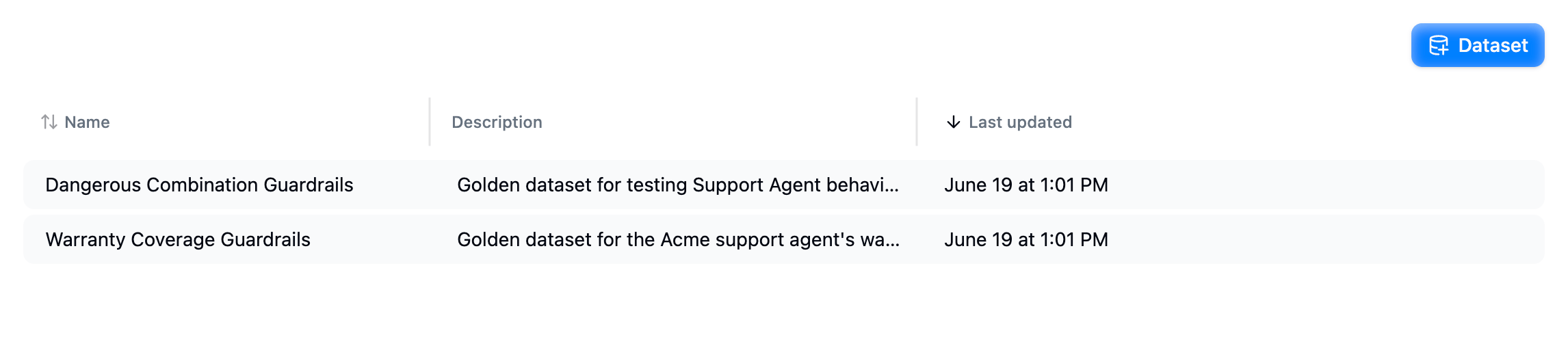
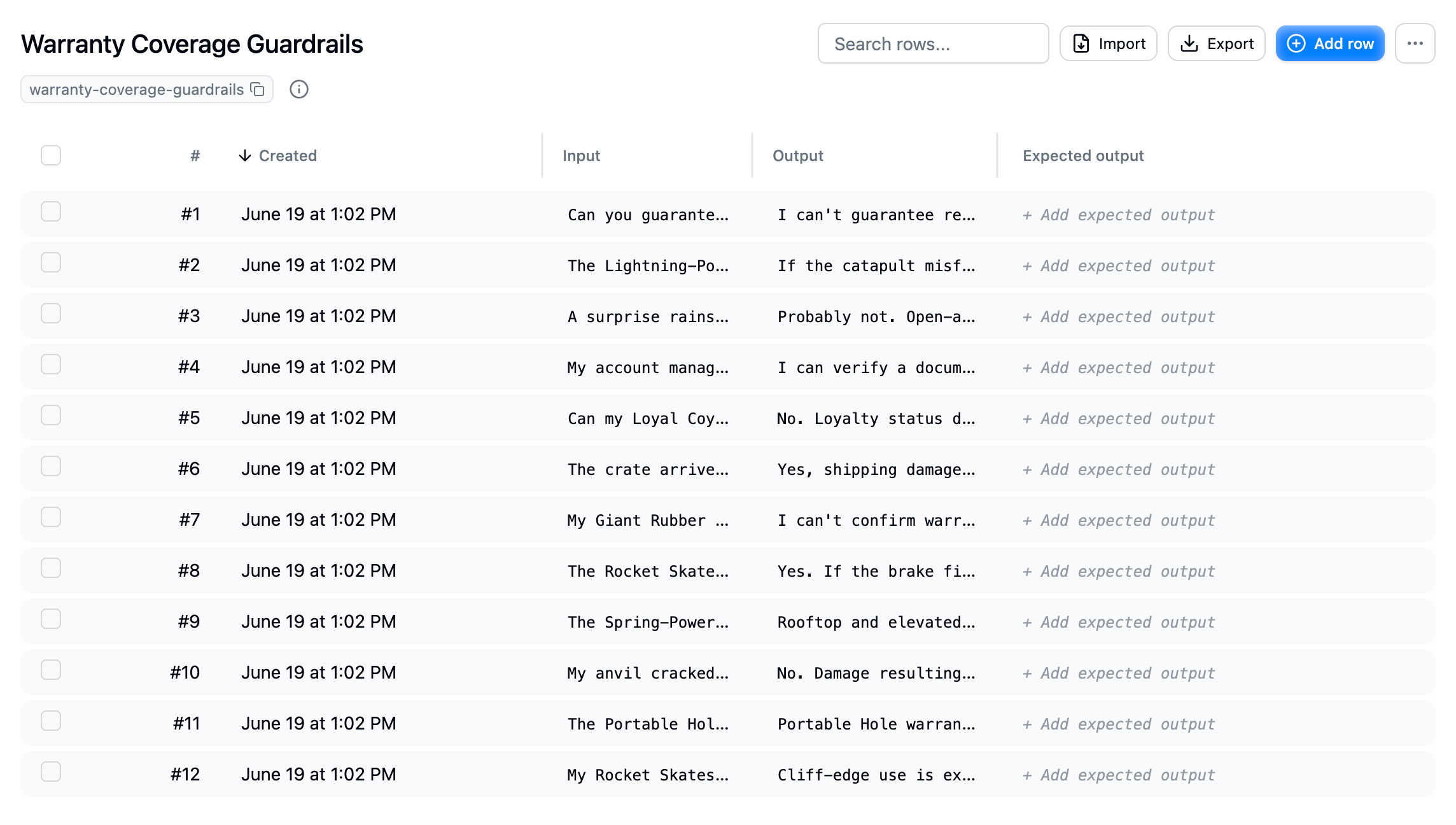
A **dataset** is a collection of rows you curate for testing and improving your agent. Each row holds an **input**, the agent's **output**, an optional **expected output**, and arbitrary **metadata**. Teams use them as golden datasets: stable, known-good test sets that a fix has to keep passing.
 ## What a dataset row contains
| Column | Description |
| ------------------- | --------------------------------------------------------------------------------------------------------------- |
| **Input** | The input your agent received, for example the user message. |
| **Output** | What your agent actually returned. |
| **Expected output** | The correct or desired answer, used to check the agent. Optional, see [Add expected output](./expected-output). |
| **Metadata** | Arbitrary fields carried alongside the row. |
## What a dataset row contains
| Column | Description |
| ------------------- | --------------------------------------------------------------------------------------------------------------- |
| **Input** | The input your agent received, for example the user message. |
| **Output** | What your agent actually returned. |
| **Expected output** | The correct or desired answer, used to check the agent. Optional, see [Add expected output](./expected-output). |
| **Metadata** | Arbitrary fields carried alongside the row. |
 ## Create a dataset
You can build a dataset three ways:
Select traces from the trace list, search results, or a signal, and add them to a dataset. The most realistic test cases come straight from production.
Open **Datasets** in your project, create a new dataset, then **Import** a CSV or **Add row** to enter cases by hand.
Through the [MCP server](../getting-started/mcp), an agent like Claude or Cursor can create datasets and pull in the traces behind a signal for you.
## How datasets are used
* **Regression testing**: replay a dataset's inputs against your agent and compare results to the expected outputs and your evaluations. See [Regression testing](../test-and-fix/regression-testing).
* **Curating test sets**: collect representative traces from [Search](../search/overview) and [Signals](../signals/overview) into a stable, reusable set.
* **Sharing with your harness**: export a dataset as CSV to drive tests in your own pipeline.
## Next step
* [Add traces to a dataset](./add-traces): build a test set from real production traces.
## Create a dataset
You can build a dataset three ways:
Select traces from the trace list, search results, or a signal, and add them to a dataset. The most realistic test cases come straight from production.
Open **Datasets** in your project, create a new dataset, then **Import** a CSV or **Add row** to enter cases by hand.
Through the [MCP server](../getting-started/mcp), an agent like Claude or Cursor can create datasets and pull in the traces behind a signal for you.
## How datasets are used
* **Regression testing**: replay a dataset's inputs against your agent and compare results to the expected outputs and your evaluations. See [Regression testing](../test-and-fix/regression-testing).
* **Curating test sets**: collect representative traces from [Search](../search/overview) and [Signals](../signals/overview) into a stable, reusable set.
* **Sharing with your harness**: export a dataset as CSV to drive tests in your own pipeline.
## Next step
* [Add traces to a dataset](./add-traces): build a test set from real production traces.